I’m sitting here at my kitchen table—yes, the kitchen table, because my “workshop” is currently a corner of the dining room that my wife has politely but firmly designated as “your laser zone.” There’s a half-empty mug of tea that’s gone cold (I forgot to drink it two hours ago), and the LaserPecker LP4 is whirring away in the background, etching a design onto a stainless steel tumbler. The air purifier is humming at a surprisingly low volume, and for the first time in months, I’m not choking on the acrid smell of burning wood and acrylic. The irony is not lost on me: I spent years, years, breathing in the fumes of cheap laser cutters, wondering why my throat felt raw the next morning. Then I finally decided to do it properly. The LP4 isn’t exactly a budget machine, but so far, it’s been an eye-opener.
I came into the LaserPecker ecosystem through the LaserPecker LP2 portable laser engraver review I wrote a while back. That little machine was a revelation—a battery-powered laser you could take anywhere? Unheard of. But it had its limits. The engraving area was tiny, it struggled with metals, and the speed left something to be desired. When I heard about the LP4, I was intrigued but skeptical. A 10W diode laser and a 2W IR laser in one machine? That’s like a Swiss Army knife that’s also a sword. It seemed too good to be true.
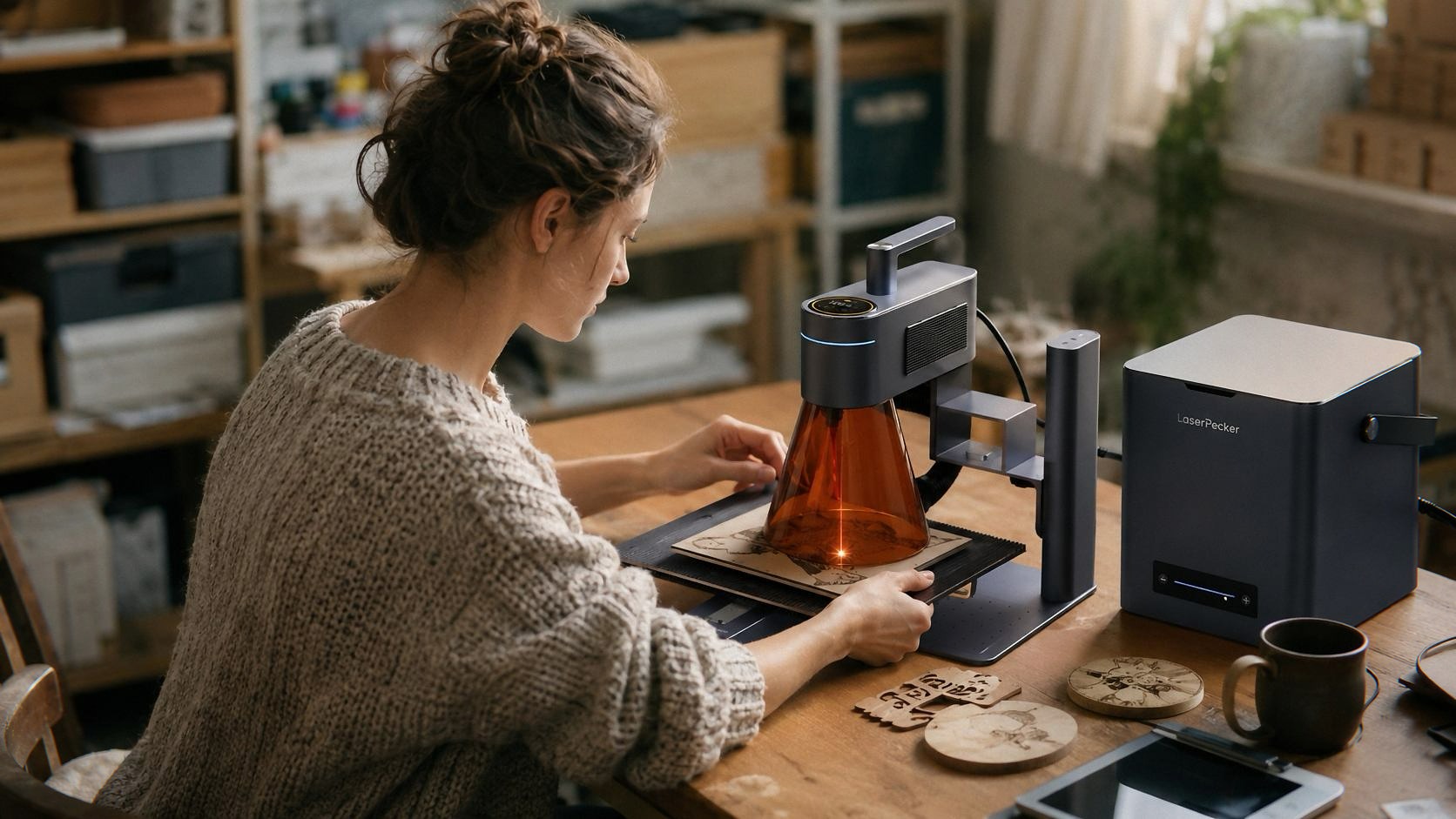 After getting my hands on the Ultimate Bundle, which includes the slide extension, rotary attachment, and the air purifier, I’ve been putting it through the wringer for the past few weeks. Here’s the unvarnished truth.
Unboxing a Beast: First Impressions and Setup See Today’s Deal on Amazon
The box is heavy. 41.6 pounds of heavy. If you’re used to the featherlight portability of the LP2, this will surprise you. The LP4 is a desktop machine. It’s not something you throw in a backpack for a craft fair. The build quality, though, is immediately obvious. It’s sturdy, feels premium, and has that solid, industrial vibe that makes you think, “Okay, this is the real deal.”
The setup was surprisingly straightforward for a machine with this much complexity. I’m not the most tech-savvy person—my idea of “reading the manual” is skimming it until I get confused and then watching a YouTube video—but the instructions were clear enough. The LDS app is the real MVP here. I’ve used some truly terrible proprietary software in my time (the AlgoLaser 10W laser engraver review I wrote didn’t mention the software because I didn’t want to be mean, but let’s just say it wasn’t great), but the LP4’s app is intuitive, responsive, and doesn’t make me want to throw my phone across the room. It’s a minor thing, but it matters when you’re trying to design and run projects without pulling your hair out.
One small annoyance: the included manual is a bit sparse on the finer details. It covers the basics, but if you’re looking for advanced tips or troubleshooting, you’ll need to check the online resources. The good news is, the community around LaserPecker seems pretty active, so help is never far away.
The Dual-Laser Difference: What It Actually Does
Okay, let’s talk about the elephant in the room: why do you need two lasers? The short answer is versatility. The 10W diode laser is your workhorse for most materials. It cuts through 5mm plywood like butter, engraves glass beautifully, and handles acrylic, leather, and coated metals with ease. But it’s not great for bare metals like stainless steel or aluminum. That’s where the 2W IR laser comes in. It marks bare metals directly, without needing any fancy coatings or sprays.
I ran a test on a piece of stainless steel, engraving a small logo directly with the IR laser. The result? Crisp, clean, and surprisingly detailed. It’s not as deep as a fiber laser (the kind used in industrial settings), but for personalized gifts, jewelry, or small business prototypes, it’s more than adequate. The ability to switch between lasers at a moment’s notice is a game-changer for someone who works with a variety of materials. It essentially eliminates the need for two separate machines.
Now, compare this to something like the Creality Falcon 10W laser engraver review, which is a solid machine in its own right but is limited to a single diode laser. The Falcon is great for wood and leather, but if you want to mark metal, you’ll be looking at expensive add-ons or compromises. The LP4 doesn’t make you compromise. It’s like having two tools in one. Whether that justifies the price tag depends on what you do with it.
Speed and Precision: The “4,000mm/s” Claim
The marketing claims a speed of 4,000mm/s, and while I haven’t verified that with a stopwatch, the machine is undeniably fast. The dual galvanometer system allows the laser to move rapidly without the bulky gantry systems you see on traditional CO2 lasers or large diode frames. What does that mean in practice? It means projects that would have taken 20 minutes on my old machine take 5 or 6 minutes on the LP4. That’s not just a convenience; it’s a productivity multiplier.
The precision is equally impressive. The engraving output is consistently sharp, with clean lines and smooth gradients. I used it to create a detailed multi-layer design on a piece of walnut, and the results were stunning. The multi-layer editing feature in the app lets you adjust settings for different sections of a design, reducing material waste by up to 45% (according to the listing, anyway). I can’t verify that exact number, but I definitely noticed I was using less material to achieve the same results.
One detail worth mentioning is the laser’s focus. The LP4 uses a dynamic focus system that automatically adjusts to the material’s thickness. It’s not a huge deal if you’re working with flat, uniform materials, but it’s a lifesaver when you’re engraving curved surfaces or uneven objects. I didn’t have to manually fiddle with the focus for each material—the machine just worked.
The Air Purifier: An Essential Add-On
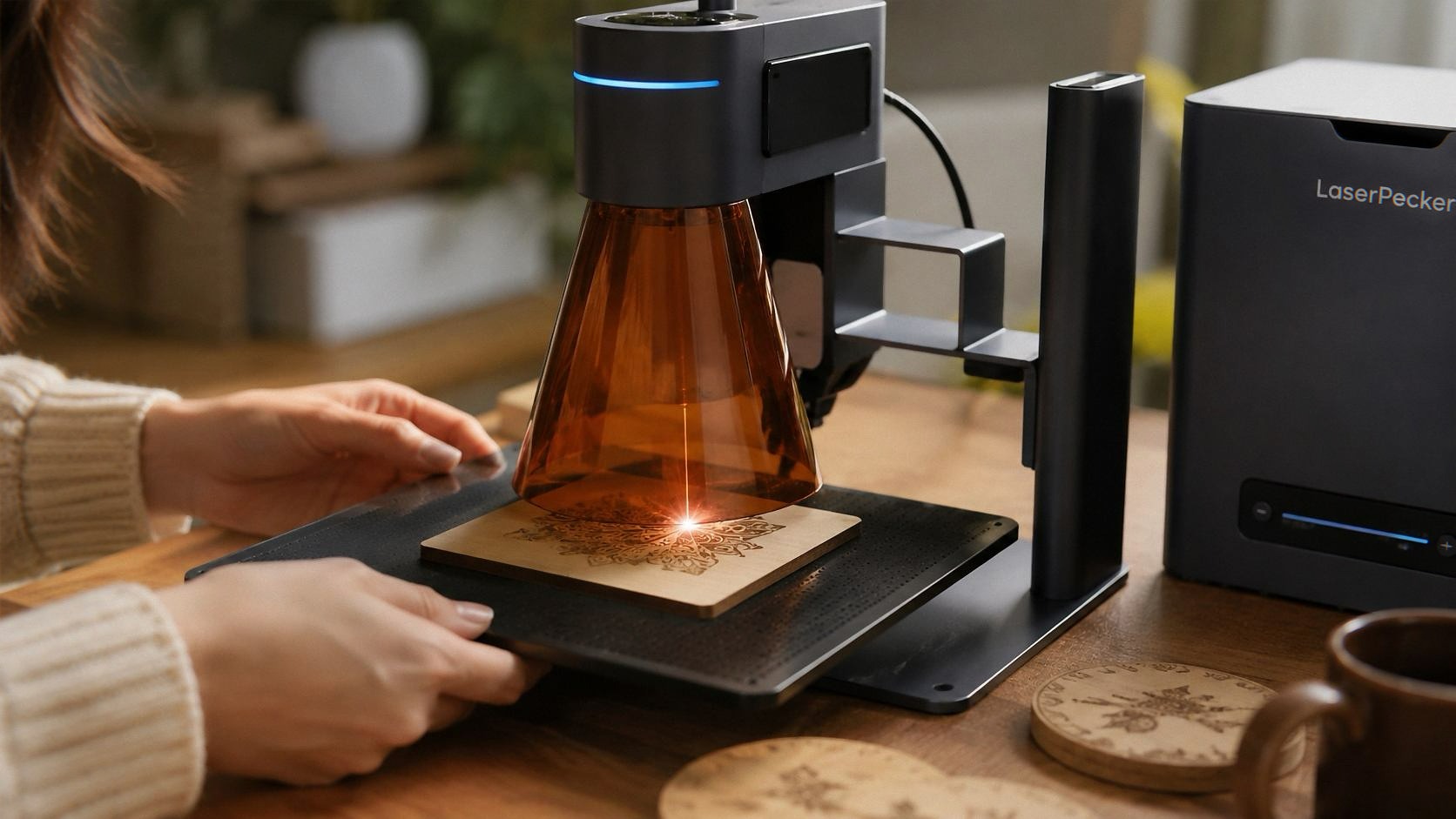
Let’s be real for a second. Laser engraving produces smoke, fumes, and odors. It’s not just unpleasant; it’s hazardous to breathe. I’ve used machines with built-in fans that barely do anything, and I’ve worn masks that made me feel like I was suffocating. The LP4’s desktop air purifier is a different story.
It’s a 4-layer HEPA system that claims to eliminate 99.97% of fumes and particles. I’m not a lab technician, so I can’t test that, but I can tell you that the difference is night and day. I ran a long engraving job on leather—which usually produces a strong, pungent odor—and I barely smelled anything. The purifier has a 4-speed fan adjustment, and even at its quietest setting (around 50dB), it’s effective. It’s not completely silent, but it’s quieter than the engraver itself.
Is it essential? If you’re working in a small space, absolutely. If you have good ventilation, you might be able to skip it, but after years of breathing in fumes, I’d never go back. It’s one of those things you don’t appreciate until you have it. And the peace of mind is worth more than the cost.
Rotary Kit: Engraving Everything Round
The Professional Rotary Kit is another highlight of the Ultimate Bundle. It’s simple to set up—just attach it to the slide extension, and you’re ready to engrave pens, bottles, glasses, or any other cylindrical object. The rotary attachment is designed to hold the object securely while the laser rotates it automatically, ensuring even engraving around the entire circumference.
I tested it on a whiskey glass, a metal thermos, and even a pen. The results were consistently good. The alignment is precise, and the app makes it easy to position your design exactly where you want it. The only downside is that the maximum length of objects you can engrave is limited by the slide extension. It’s not going to handle a full-length baseball bat, but for most small to medium-sized objects, it works great.
This is where the LP4 really shines compared to something like the xTool F2 or other dual-laser engravers I’ve seen. It’s not just a feature sheet; it’s a cohesive system that works well together.
The Downsides: Honest Feedback for Potential Buyers
No product is perfect, and the LP4 has its quirks. I want to be clear about these because they matter. If you’re dropping significant money on this machine—and the Ultimate Bundle is a serious investment—you should know what you’re getting into.
-
Price: This is an expensive machine. The Ultimate Bundle is over $2,000. That’s a lot of money for a hobbyist. If you’re just starting out, something like the LP2 might be a better entry point. But if you’re serious about engraving or starting a small business, the LP4’s versatility and speed will pay for itself over time.
-
Laser Settings: The app is great, but it doesn’t hold your hand for every material. You’ll need to experiment with settings (power, speed, number of passes) to get the best results. The built-in presets are a good starting point, but they’re not always perfect. There’s a learning curve here, and you’ll need patience. Some users might find this frustrating, while others will appreciate the flexibility.
-
Customer Support: I haven’t had any issues with the machine itself, so I can’t speak to the support quality from personal experience. But a quick scan of online forums shows mixed feedback. Some users rave about the quick responses and helpful advice; others complain about delays and unhelpful replies. It’s a risk you take with newer brands.
-
Accessory Pricing: While the bundle includes the purifier, slide extension, and rotary kit, the individual accessories are expensive if you buy them separately. If you think you’ll need all of them, it’s better to go for the bundle upfront. That’s a minor detail if you’re committed.
My Verdict: Who Should Buy the LaserPecker LP4? See Today’s Deal on Amazon
Here’s the thing: I don’t do “final verdicts.” I hate that. They’re like movie trailers that give away the ending. But I’ll tell you this: the LP4 is the most impressive laser engraver I’ve used in years, and I’ve used a lot of them. It’s fast, precise, versatile, and well-built. The dual-laser system is genuinely useful, and the air purifier is a game-changer for anyone working in a small space.
[If you grab one through the links here, I might get a small cut — costs you nothing extra and keeps the lights on.]
Who is this for? If you’re a hobbyist who wants to personalize gifts for friends and family, this is overkill. You’d be fine with a cheaper diode laser or even the LP2. But if you’re a small business owner, an Etsy seller, or someone who wants to take their work to the next level, the LP4 is a serious contender. It’s not a toy. It’s a tool. And it’s one that can save you time, reduce waste, and expand your capabilities in ways you might not have considered.
I had a moment a few days ago where I was struggling with a particular material—some sort of dark, textured acrylic that just wouldn’t engrave cleanly. I tried adjusting the power, the speed, the focus. Nothing worked. I was about to give up and just use a different material, but then I remembered the multi-layer editing feature in the app. I tweaked the settings for the problematic area, ran the job again, and it came out perfect. That’s what I love about this machine. It makes you smarter. It forces you to learn, but it also rewards you when you do.
Would I recommend it? Yes. Reluctantly, yes. It’s expensive, but the value is there. Just be prepared to spend time learning its quirks and limitations. The LP4 isn’t a magic wand; it’s a powerful tool that, with patience, will produce results that consistently surprise and impress you. And if you’re serious about laser engraving, that’s worth every penny.
Anyway, my tea is now stone cold, the air purifier is still humming, and I have a stack of coasters that need engraving. Time to get back to work.